

Upgrade Your Experience: Download Jeetbuzz for PC
The Jeetbuzz app for PC delivers live casino, slots, roulette, table games, and sports betting in a dedicated desktop client compatible with Windows and macOS — free to download with no subscription required. Every feature available on the website is built into the desktop version, with added stability and significantly faster load times. The PC client runs independently of your browser, eliminating tab crashes, slow page refreshes, and connectivity interruptions during live sessions.
System Requirements for the Jeetbuzz PC App
The Jeetbuzz download for PC is lightweight, installs in minutes, and offers a more stable connection, direct push notifications, and an automatic anti-blocking system compared to the browser version.
| Detail | Information |
|---|---|
| PC Client Size | Approx. 50 MB |
| Available Languages | English, Bengali, Hindi, Thai, Vietnamese |
| Category | Sports Betting, Online Casino, Live Casino, Slots, Instant Games |
| Compatible with Windows | Windows 7, Windows 8, Windows 10, Windows 11 |
| Compatible with macOS | macOS 10.13 (High Sierra) and above |
Jeetbuzz for PC: Pros and Cons
Installing the Jeetbuzz PC app offers a range of practical advantages over the browser version, though a few minor trade-offs are worth noting before you decide.
| Pros | Cons |
|---|---|
| Faster loading compared to browser tabs | Requires approx. 50 MB of local storage |
| Dedicated SSL encryption for each session | Initial installation takes 3–5 minutes |
| Built-in anti-blocking proxies bypass regional restrictions | Software updates must be applied periodically |
| Real-time push notifications for live odds and promotions | — |
| No browser interference, plug-ins, or tab limits | — |
| Automatic session memory: resume where you left off | — |
| Full access to Sports Betting, Live Casino, Slots, and Instant Games | — |
Key Features and Benefits of the Jeetbuzz PC App
The desktop client is built with features that go beyond what a standard browser session can offer:
- Direct SSL encryption: Every session runs through a dedicated SSL layer, protecting your account credentials, payment details, and personal information without relying on browser-level security;
- Automatic anti-blocking mechanism: Built-in proxy routing ensures uninterrupted access even if a regional restriction or ISP block is active — no manual configuration required;
- Real-time desktop push notifications: Receive instant alerts for live match odds, exclusive promotions, deposit bonuses, and tournament start times directly on your desktop;
- Persistent session management: The app remembers your login and last active section, so you return to the exact game or betting market without navigating from the homepage;
- Optimised rendering engine: The client renders live casino streams, slot animations, and sports odds feeds at a higher frame rate than the standard browser version;
- Reduced CPU and RAM usage: The dedicated app consumes fewer system resources compared to a feature-heavy browser with multiple tabs open;
- Full Bengali language support: Switch the interface to Bengali at any time within the app settings.
How to Download and Install Jeetbuzz on Windows
The Jeetbuzz app for Windows is compatible with all major OS versions from Windows 7 onward, requires just 50 MB of free storage, and runs on any PC with at least 1 GB of RAM. Follow these steps to get the desktop client installed and ready:
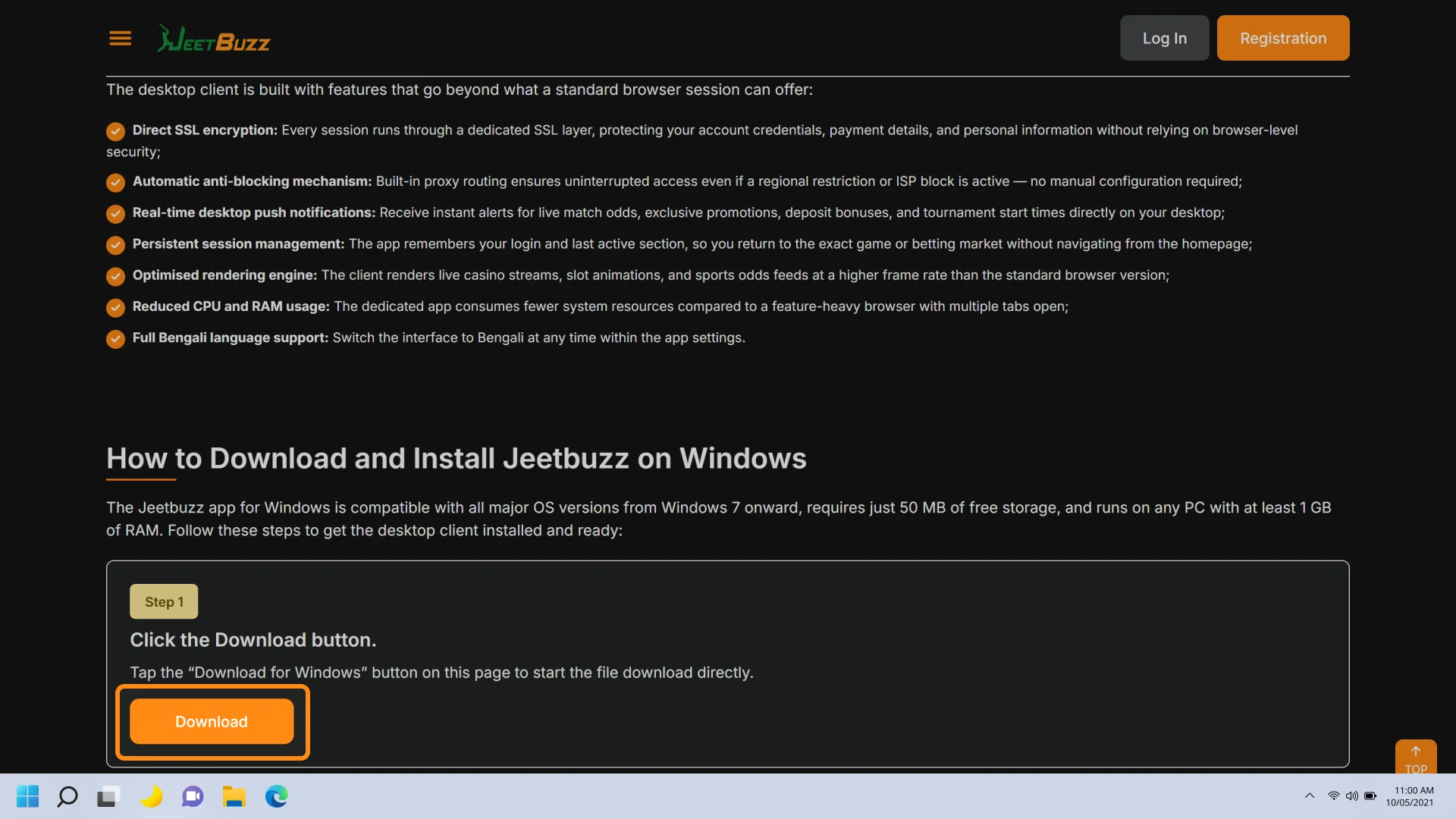
Click the Download button
Tap the “Download for Windows” button on this page to start the file download directly.
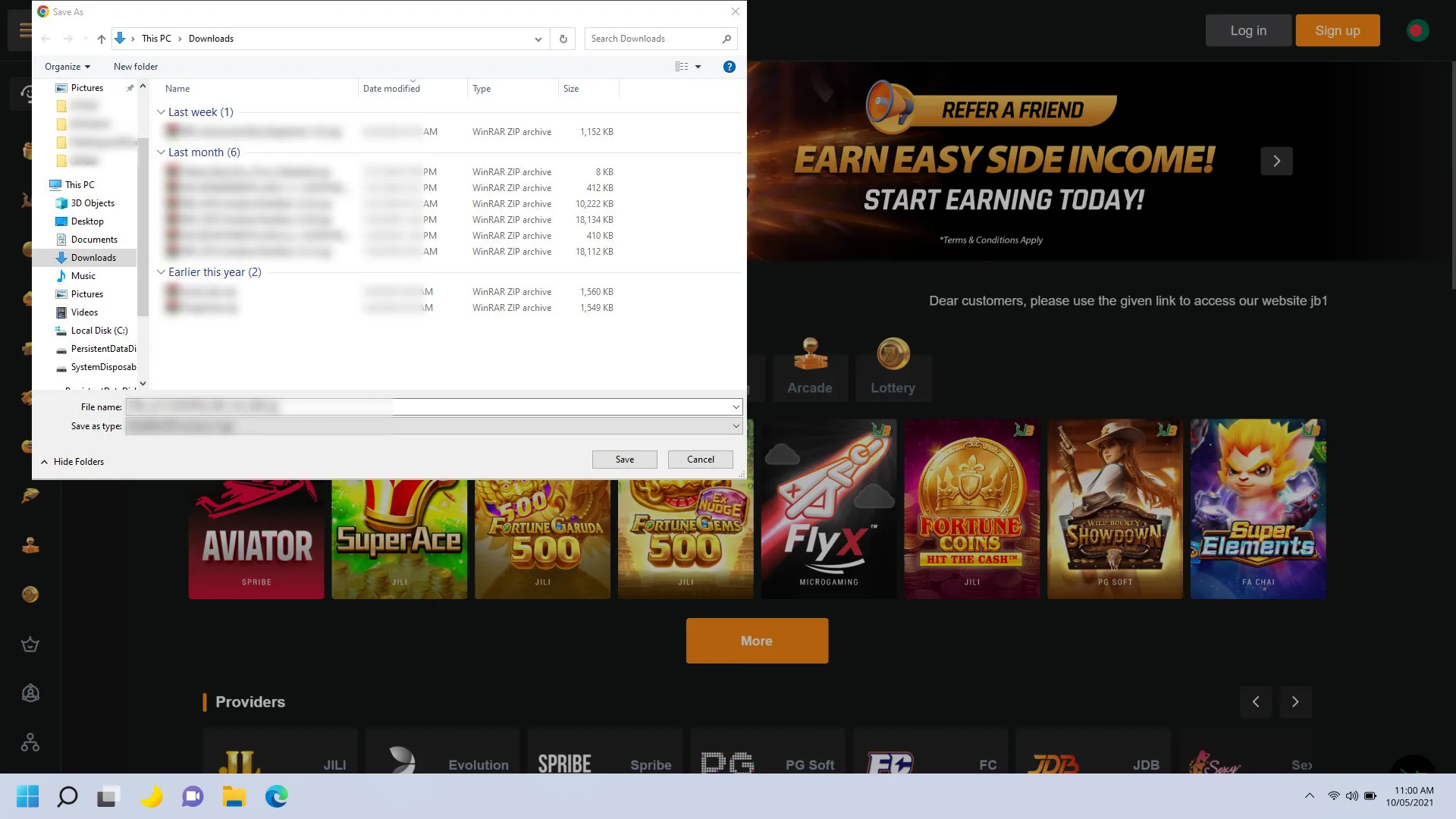
Locate the installer file
Open your Downloads folder and find the file named “JeetbuzzSetup.exe”.
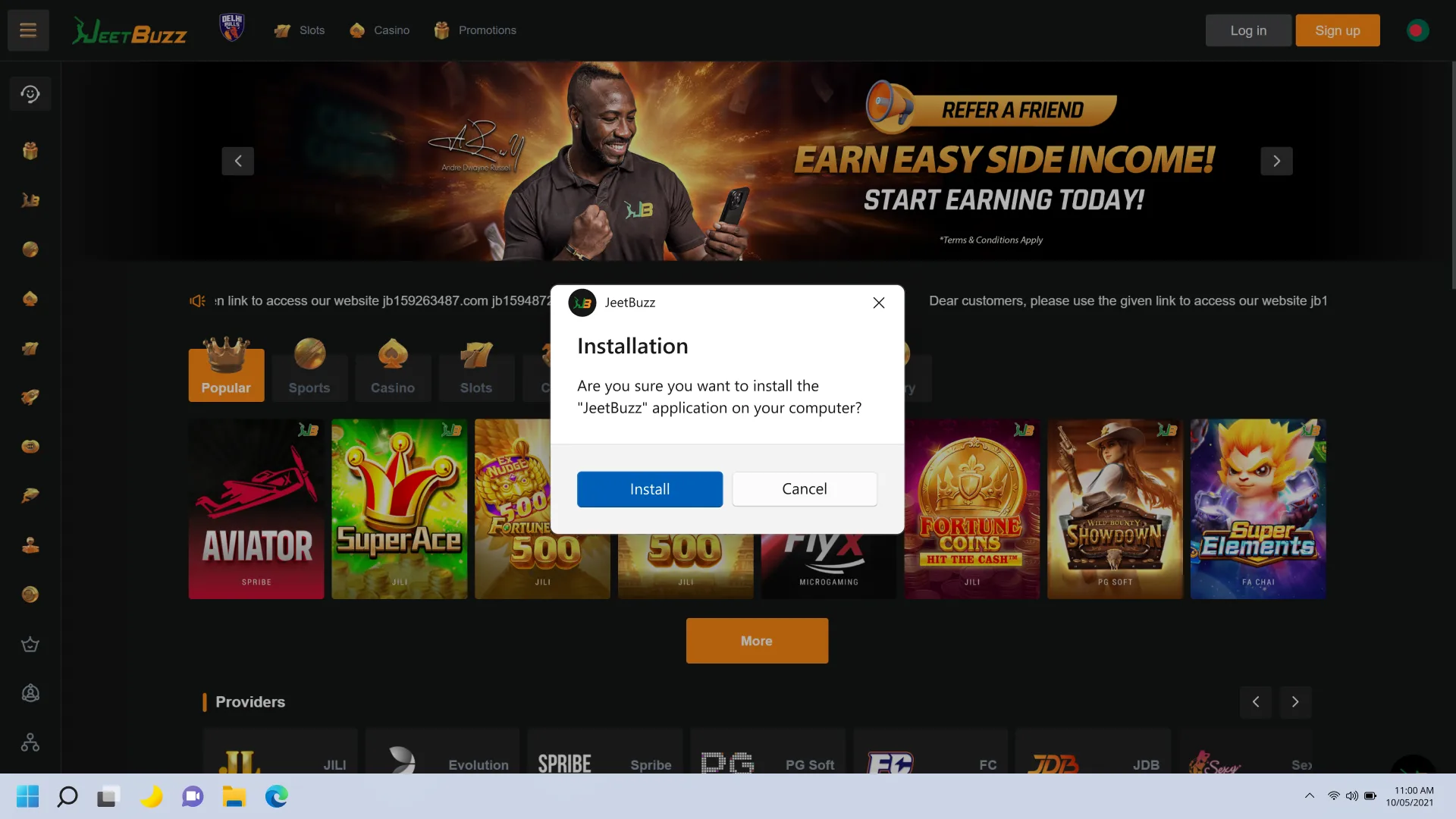
Run the installer
Double-click the .exe file to launch the installation wizard.
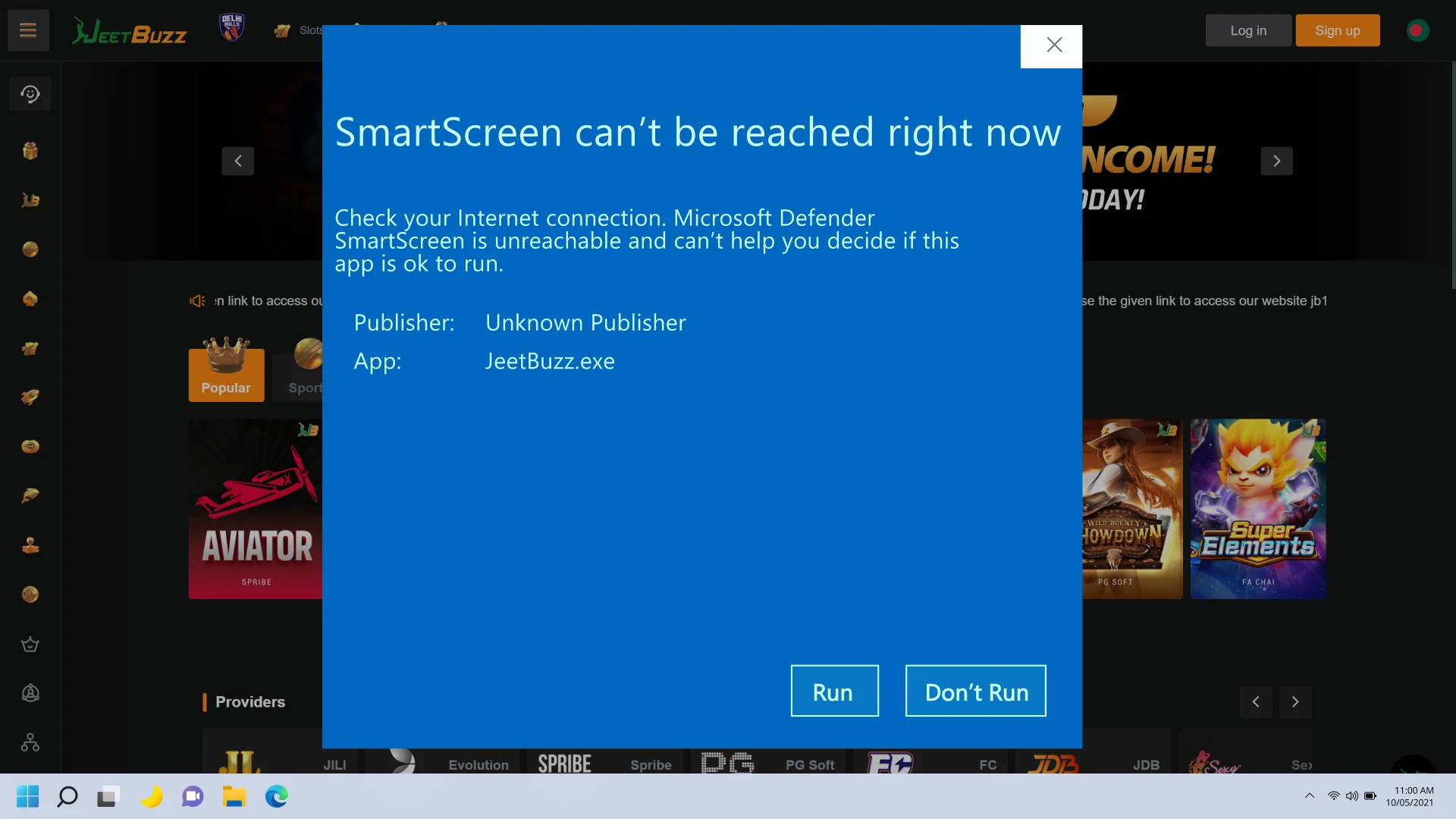
Allow permissions
If Windows prompts a security dialog, click “Run Anyway” to proceed — the file is digitally verified and safe.
Complete installation
Follow the on-screen instructions, choose your preferred installation directory, and click “Install”.
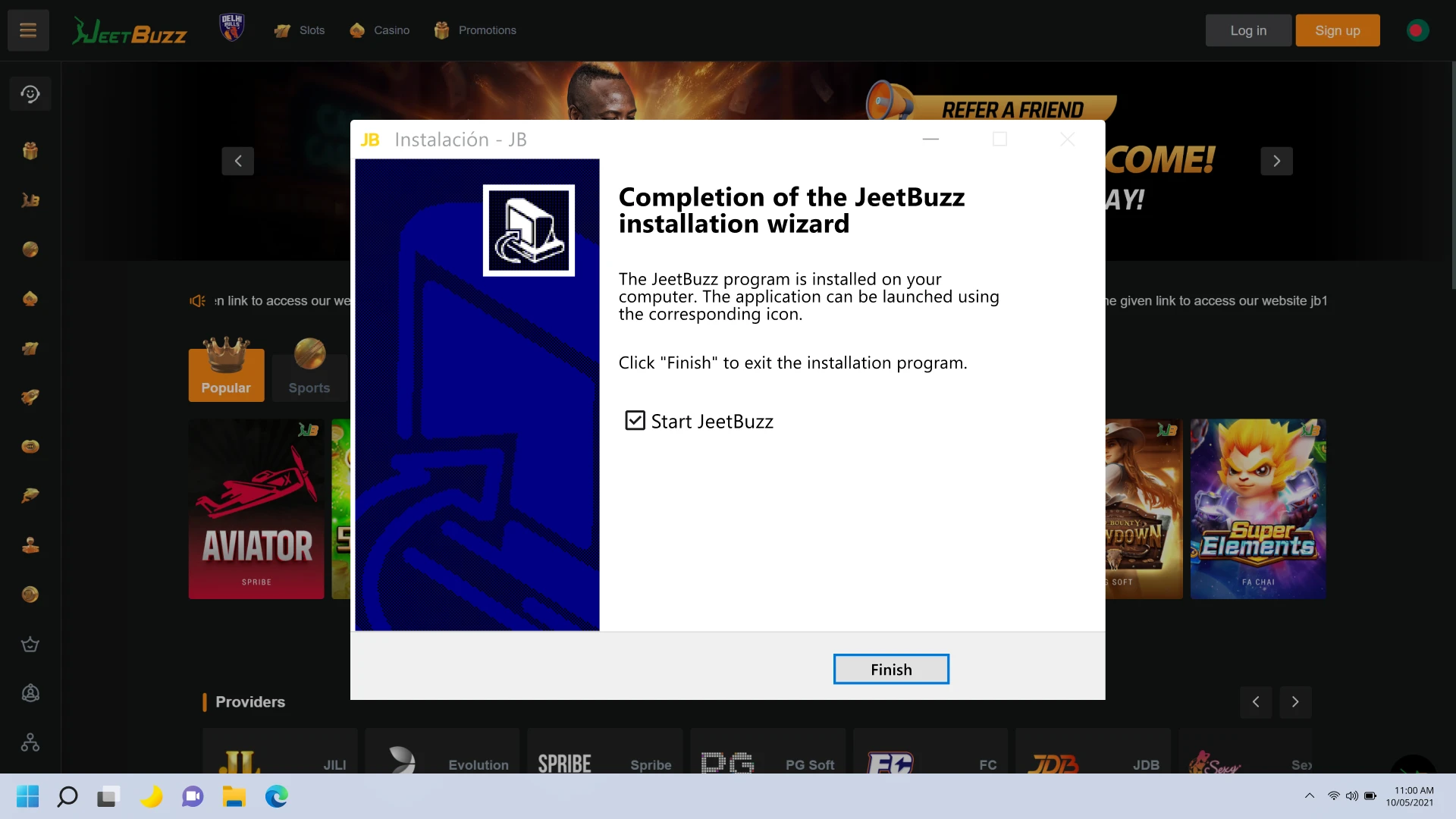
Launch the app
Once installation finishes, click “Finish” or double-click the Jeetbuzz shortcut on your desktop.
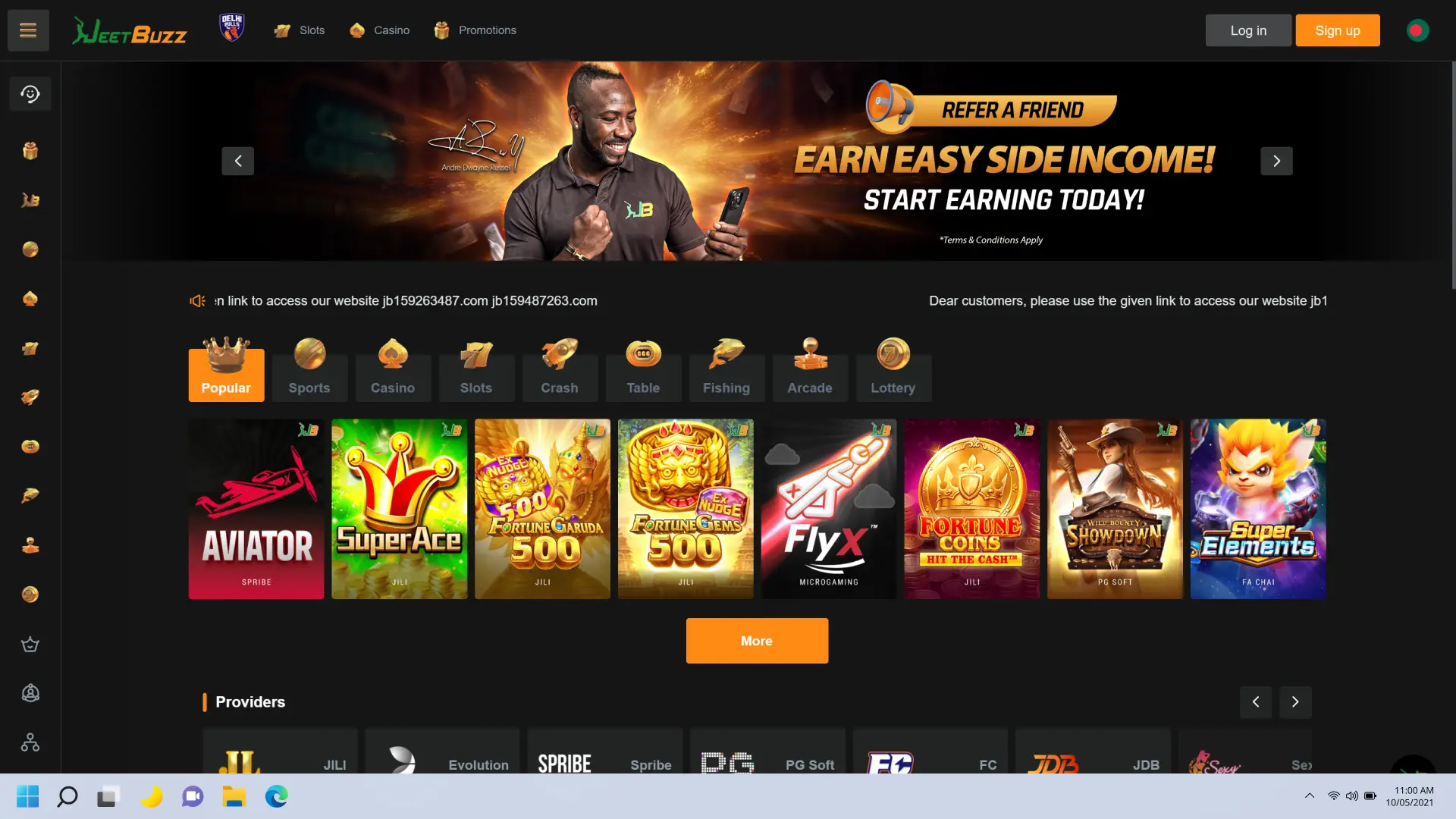
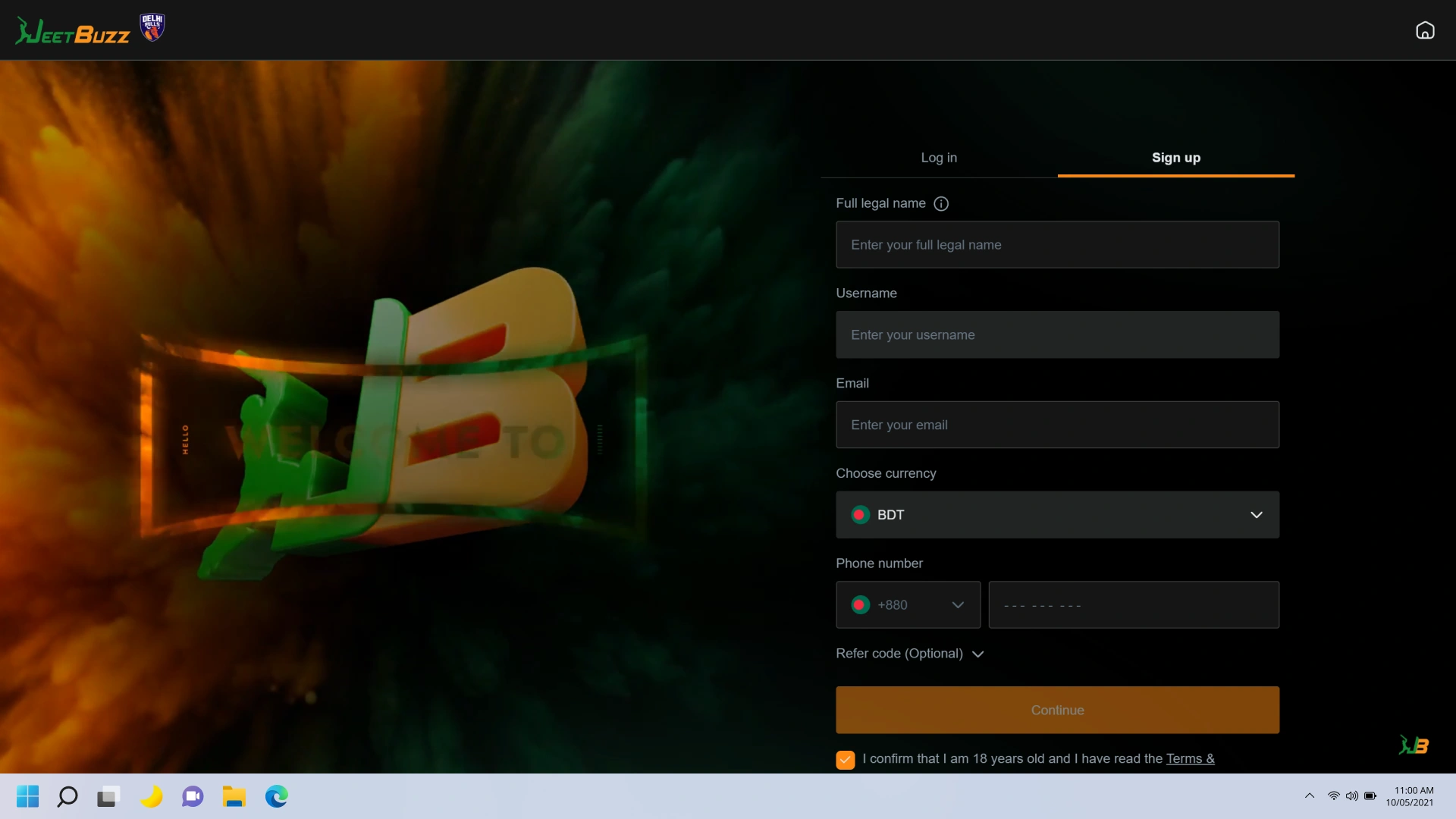
Log in or register
Enter your existing account credentials or create a new account directly inside the app.
How to Download and Install Jeetbuzz on Mac
The Jeetbuzz app for Mac is fully compatible with macOS 10.13 (High Sierra) and all later versions, covering both Intel and Apple Silicon (M1, M2, M3) devices. Follow these steps to install the desktop client on your Mac:
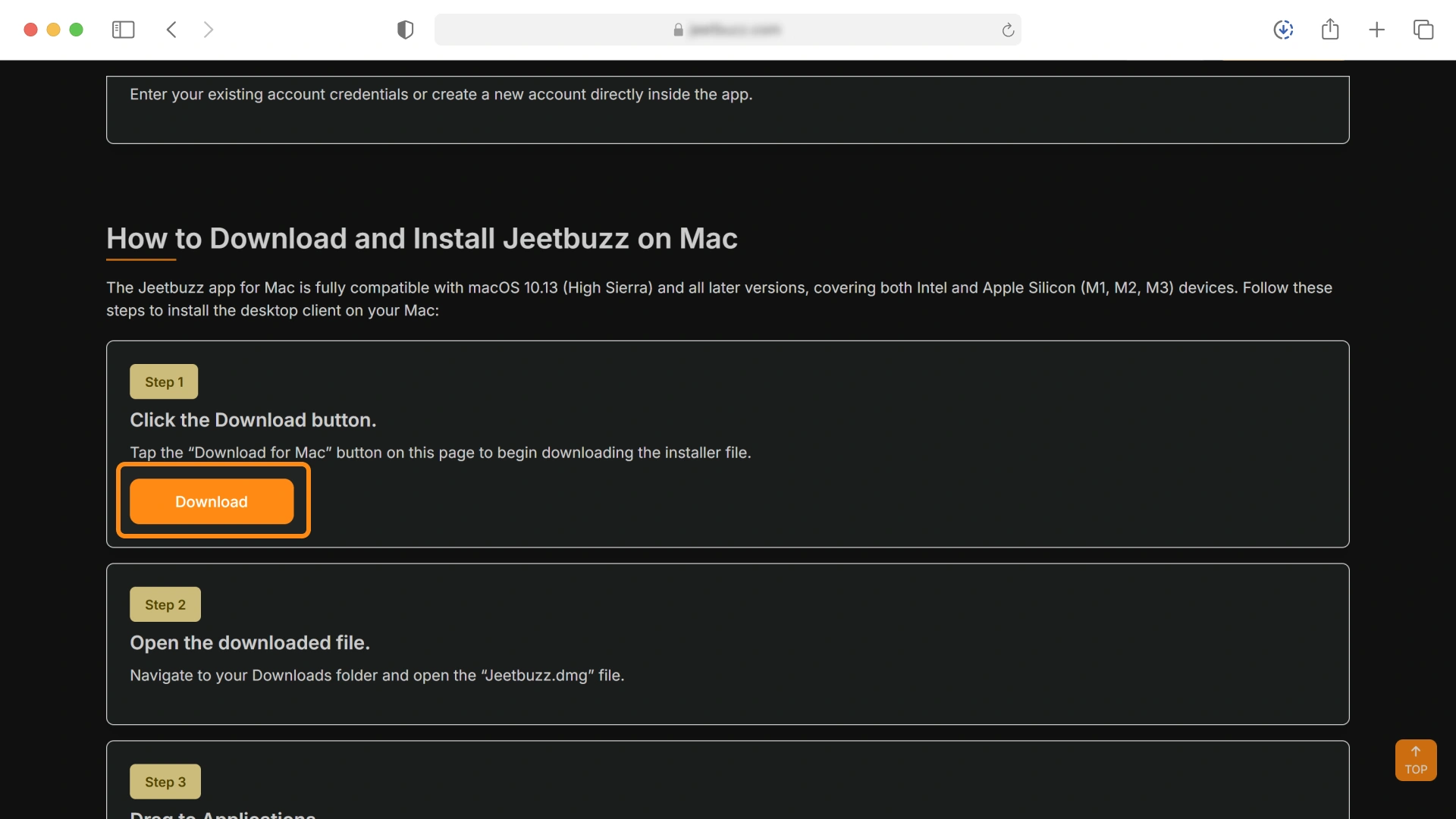
Click the Download button
Tap the “Download for Mac” button on this page to begin downloading the installer file.
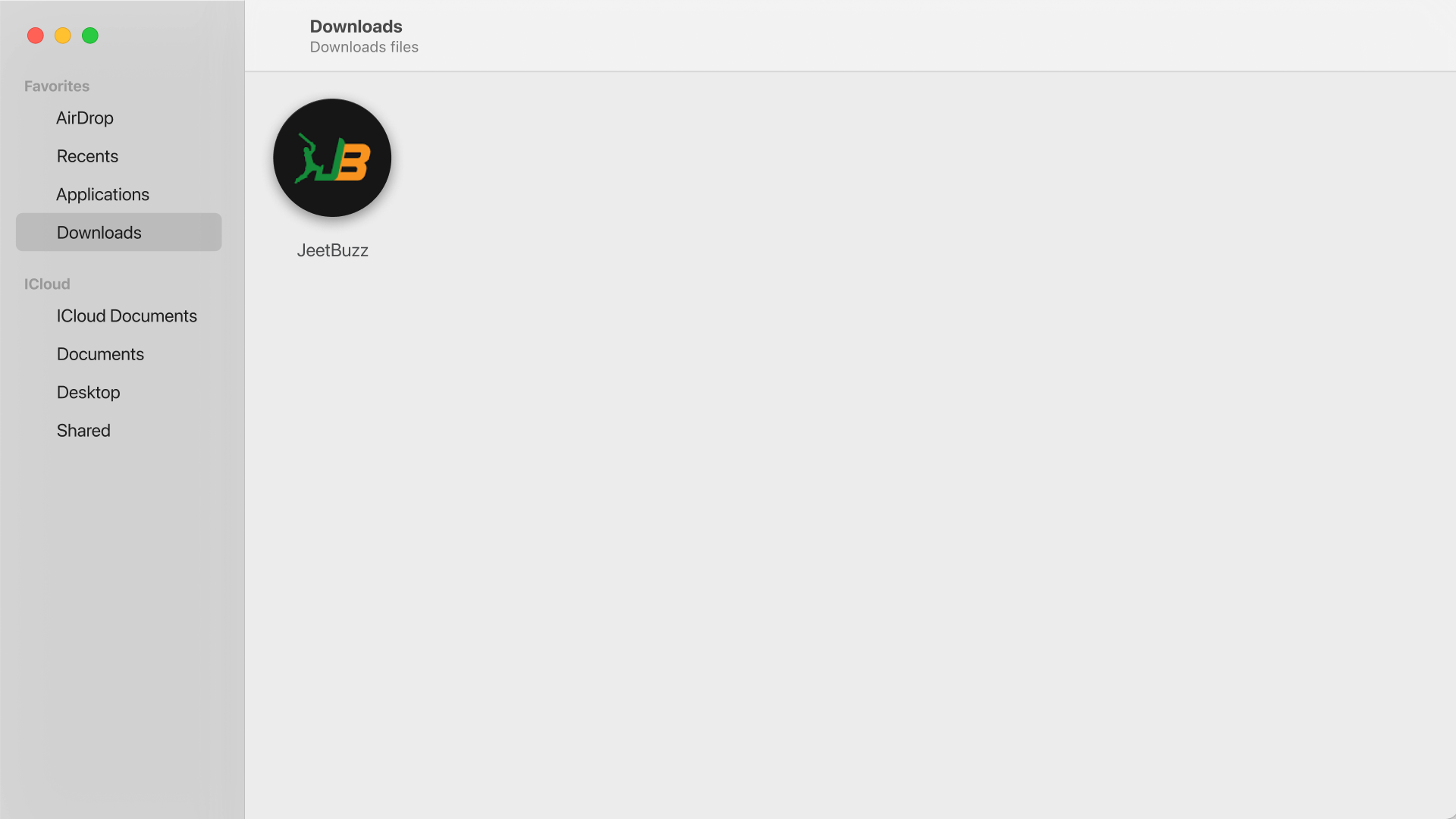
Open the downloaded file
Navigate to your Downloads folder and open the “Jeetbuzz.dmg” file.
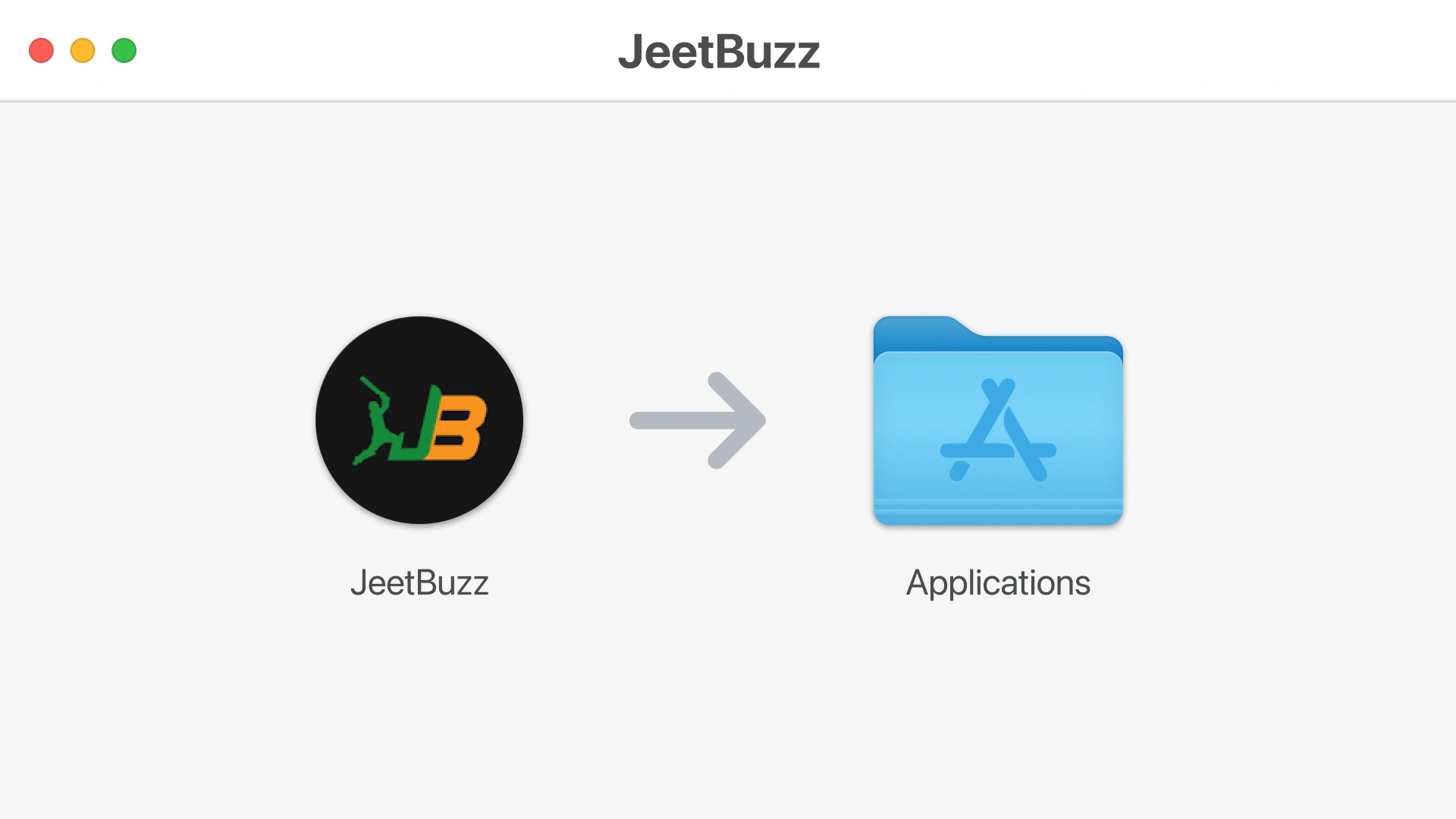
Drag to Applications
In the installer window, drag the Jeetbuzz icon into the Applications folder shortcut.
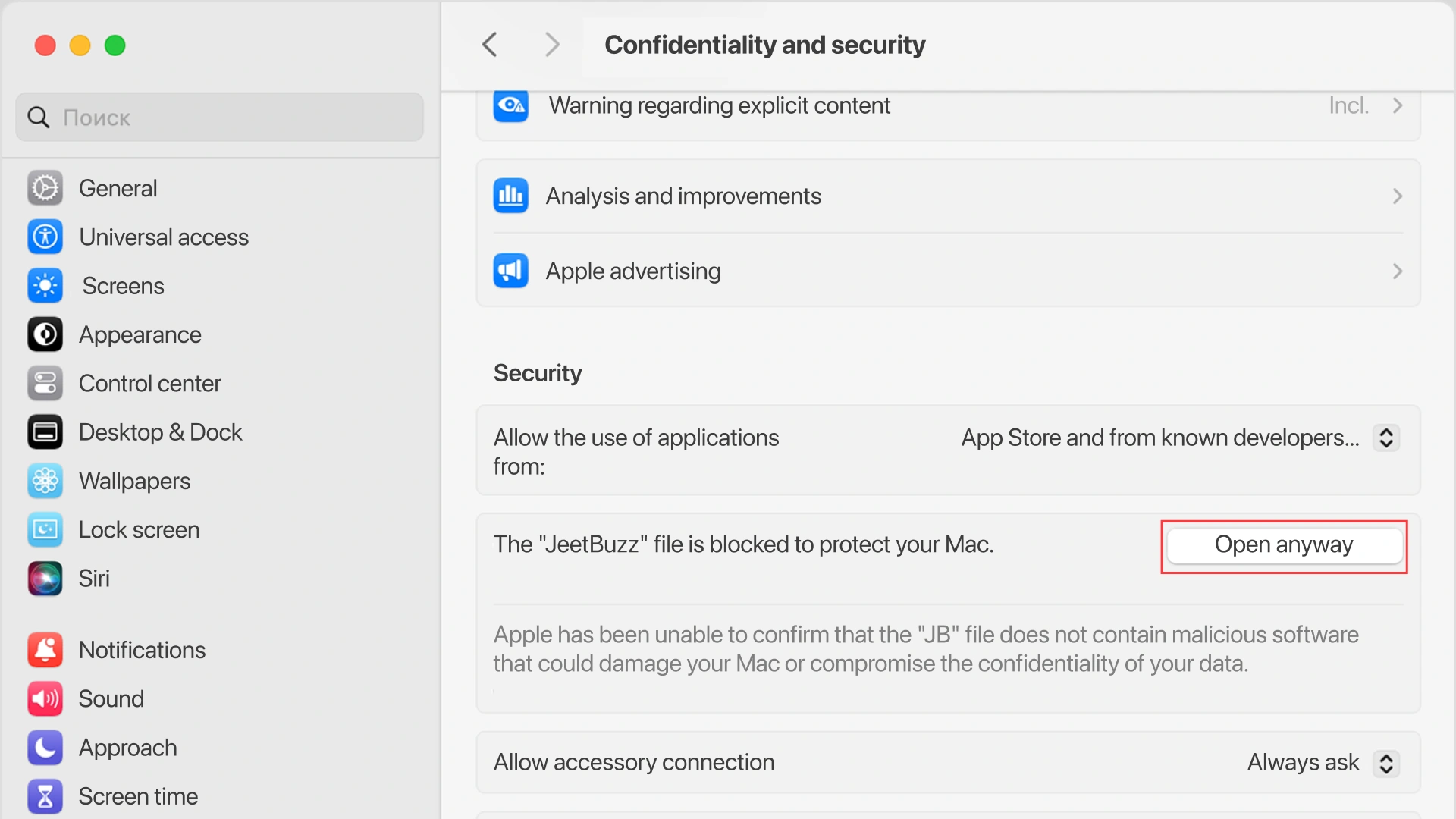
Approve the installation
Open Finder, go to Applications, and double-click Jeetbuzz. If macOS shows a security prompt, go to System Settings > Privacy & Security and click “Open Anyway”.
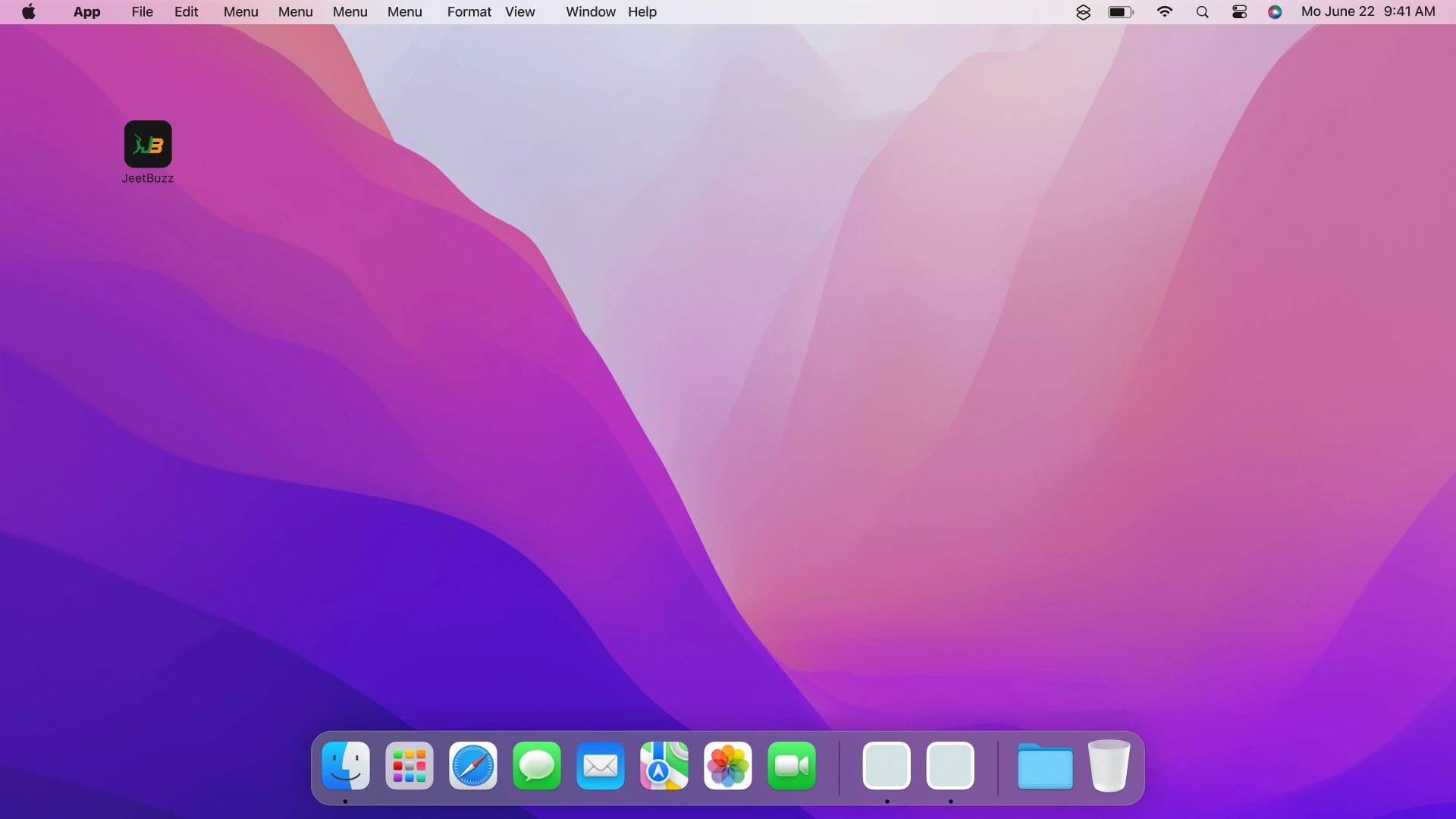
Launch the app
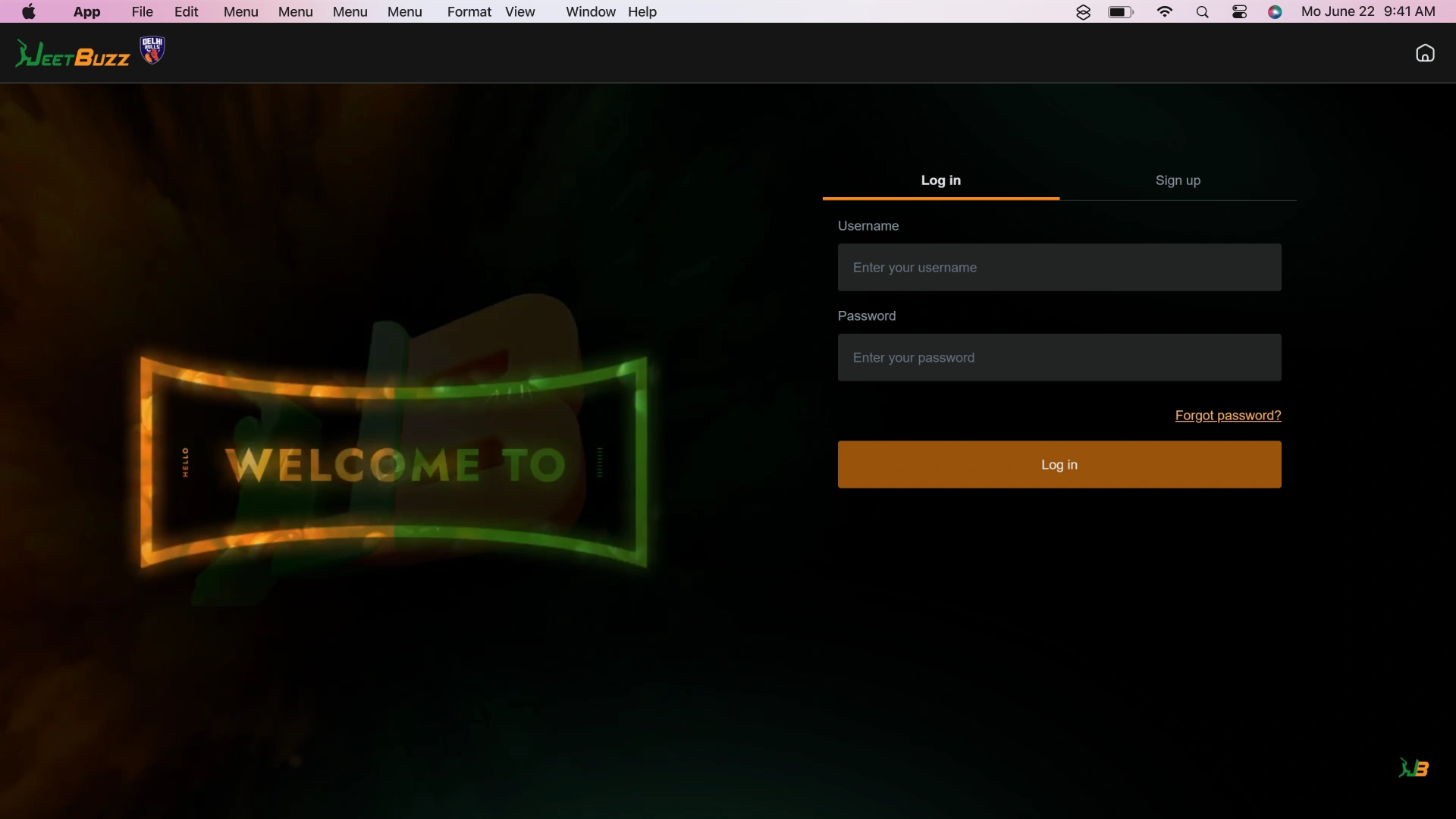
The client will open to the Jeetbuzz login screen.
Log in or register
Use your existing account details or complete a new registration directly inside the app.
How to Get the Latest Version of the App
Keeping the Jeetbuzz PC client up to date ensures access to the latest game releases, security patches, and performance improvements. Updates are delivered automatically through the app and take under 2 minutes to apply.
- Open the Jeetbuzz desktop client. Double-click the Jeetbuzz icon on your desktop or taskbar to launch the app.
- Check for an update prompt. If a new version is available, a notification banner appears on the home screen upon login.
- Click “Update Now”. The app downloads and installs the latest version automatically — no manual file download required.
- Restart the client. After the update completes, the app prompts you to restart. Click “Restart” to launch the updated version and continue.
How to Register and Start Playing on PC
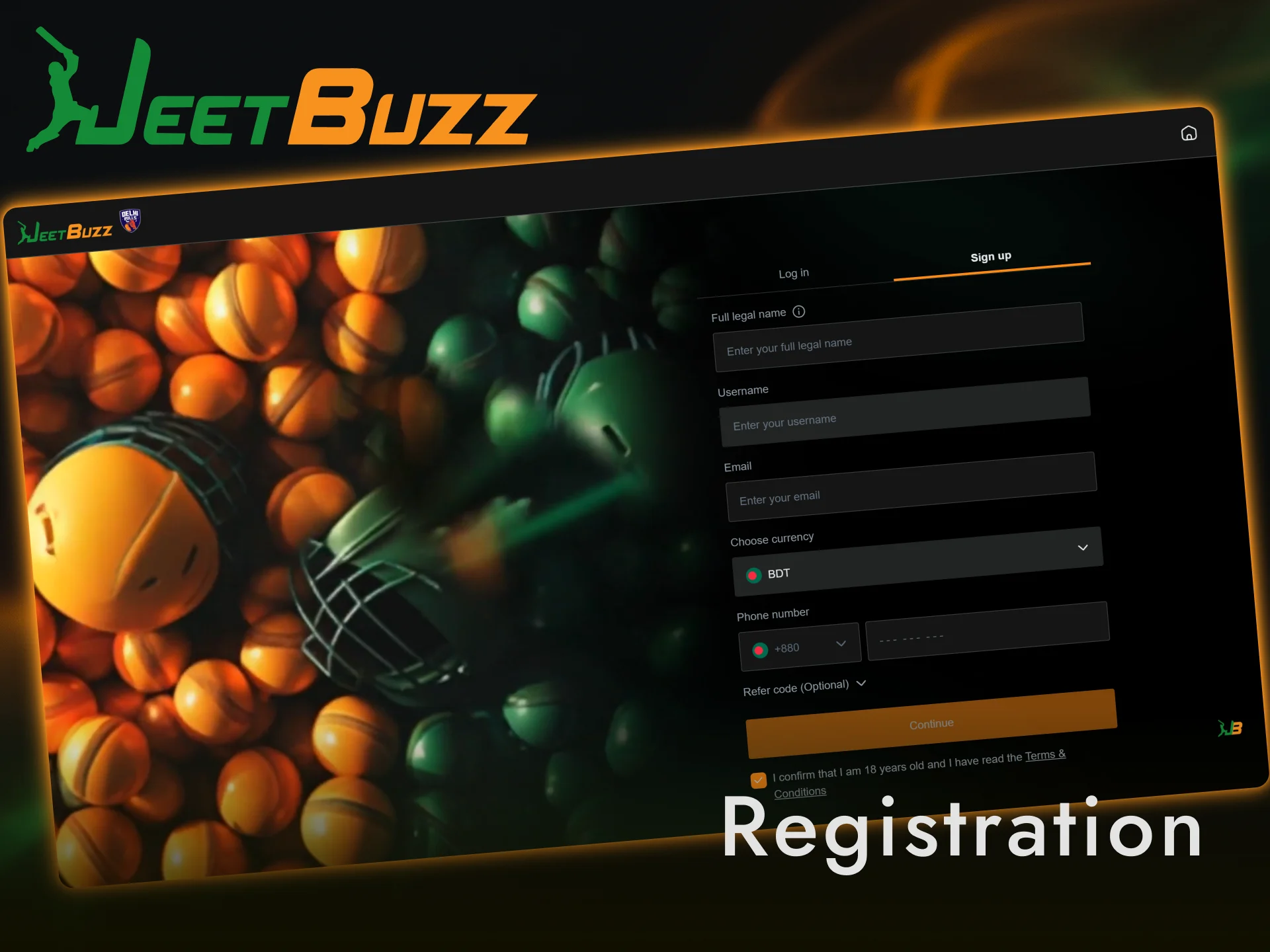
Creating a Jeetbuzz account through the PC app takes under 2 minutes and immediately qualifies you for the welcome bonus package, live casino access, and the full sports betting catalogue. The registration process is identical to the website, with no additional steps required.
- Open the app and click “Register”. Launch the desktop client and click the “Register” button in the top-right corner of the screen.
- Enter your account details. Fill in your mobile number or email address, create a password, and select BDT as your preferred currency. If a promo code field is displayed, enter any active bonus code at this stage.
- Verify your account. Enter the OTP sent to your registered mobile number or confirm via email link to activate your account.
- Log in and claim your bonus. Sign in with your new credentials, navigate to the Promotions section, and opt in to the welcome offer to activate your bonus before your first deposit.
Exclusive Rewards Inside the Jeetbuzz PC Client
New players who log in to the PC app for the first time are eligible for a two-part welcome bonus: a 100% deposit match up to BDT 900 on your first deposit, plus a 77% match up to BDT 7,777 on your second deposit. These offers are claimable directly inside the app under the Promotions tab after completing registration.
How to claim:
- Download and install the Jeetbuzz desktop client;
- Complete account registration inside the app and verify your mobile number or email;
- Navigate to the Promotions section and select the welcome bonus offer;
- Make your first deposit in BDT using bKash, Nagad, Rocket, or bank transfer;
- The bonus credits are applied automatically to your account balance.
All bonuses are subject to standard wagering requirements. Full terms and conditions are available in the Promotions section of the app. Deposit and play today to secure both parts of the welcome package.
Prefer Your Browser? Play on the Official Website
Installing third-party software is not a requirement to enjoy the full Jeetbuzz experience. The official web platform is fully functional on Chrome, Firefox, Safari, and Edge, with the complete library of slots, live casino tables, sports betting markets, and banking options available without downloading anything. BDT deposits via bKash, Nagad, and Rocket work identically on both platforms.
Support for Desktop Users
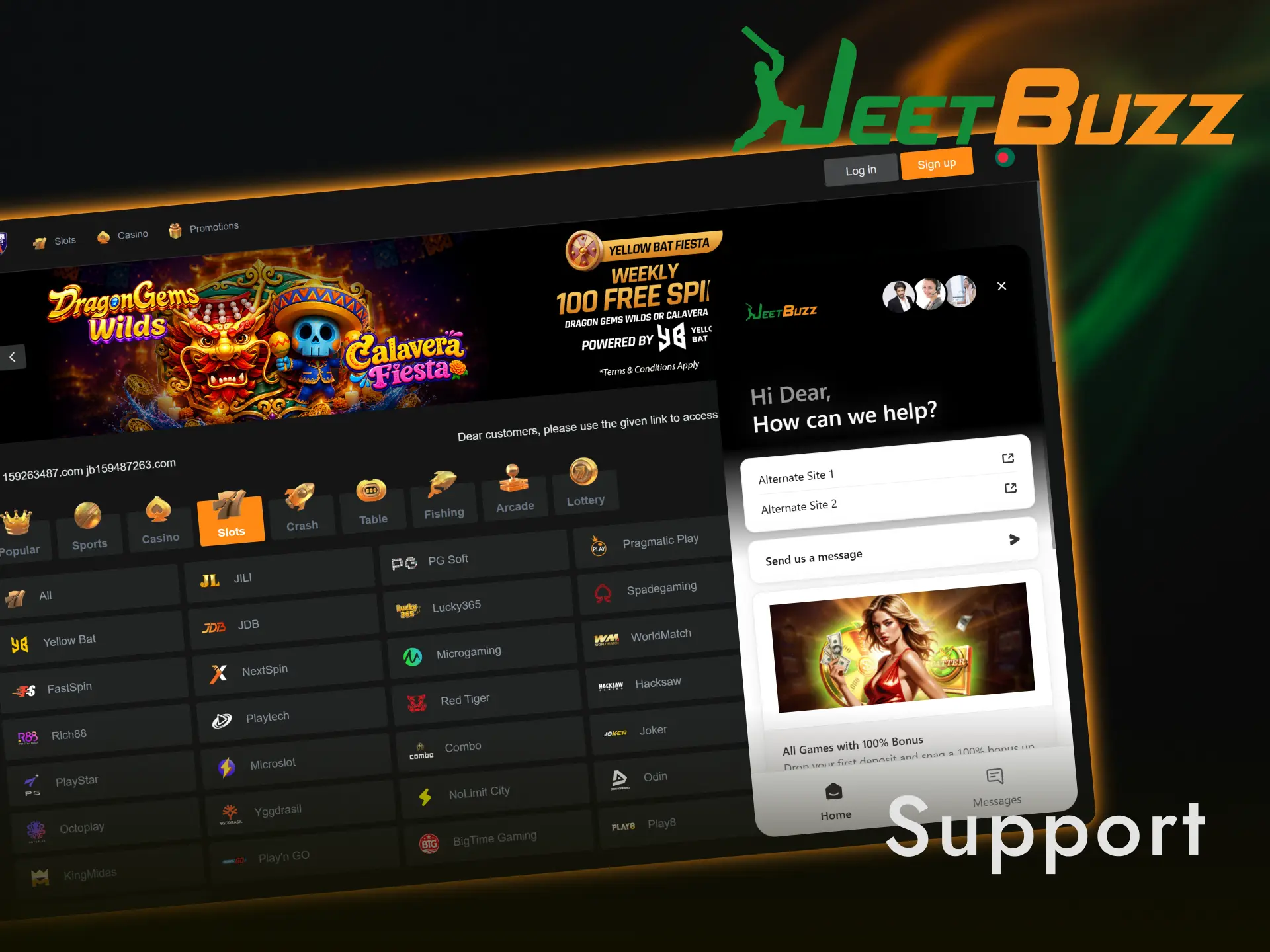
JeetBuzz provides 24/7 customer support to all registered desktop users across multiple contact channels. Reach the support team through any of the following options:
- Live Chat — Available 24/7 directly inside the PC app and on the website — average response time under 2 minutes;
- Email — [email protected] — responses within 24 hours;
- Telegram — @JeetbuzzSupport — instant messaging support;
- Facebook — Official Jeetbuzz Facebook page — message for non-urgent queries;
- WhatsApp — Contact number listed in the app’s Help section.
FAQ
Is the Jeetbuzz PC app free to download?
Yes. The desktop client is free to download and install on both Windows and macOS. No subscription or one-time fee is required.
Does the PC app support BDT transactions?
Yes. The app supports BDT deposits and withdrawals via bKash, Nagad, Rocket, and local bank transfers — the same options available on the website.
Can I use the same account on both the app and the website?
Yes. Your Jeetbuzz account is universal. Log in with the same credentials on the desktop client, mobile app, or browser without any conflict.
Is the PC app safe to install?
Yes. The installer is digitally verified and the client uses SSL encryption on every session. No third-party data is shared during installation or gameplay.
How long does it take to install the Jeetbuzz desktop app?
Installation takes approximately 3–5 minutes on a standard internet connection. The client file size is approximately 50 MB.
Updated: