

Log In to Your Jeetbuzz Account
Access your account on the official website or through the Jeetbuzz mobile app using your registered phone number or email and password. The sign-in process takes under 10 seconds, and your session is protected by SSL encryption and optional two-factor authentication (2FA) for added security. Once logged in, you can place bets on cricket, football, and kabaddi, play live casino games, claim active bonus offers, and review your full transaction history.
How to Log In to Jeetbuzz: A Step-by-Step Guide
The account login process on this platform is straightforward and takes less than a minute. Follow these steps to access your profile:
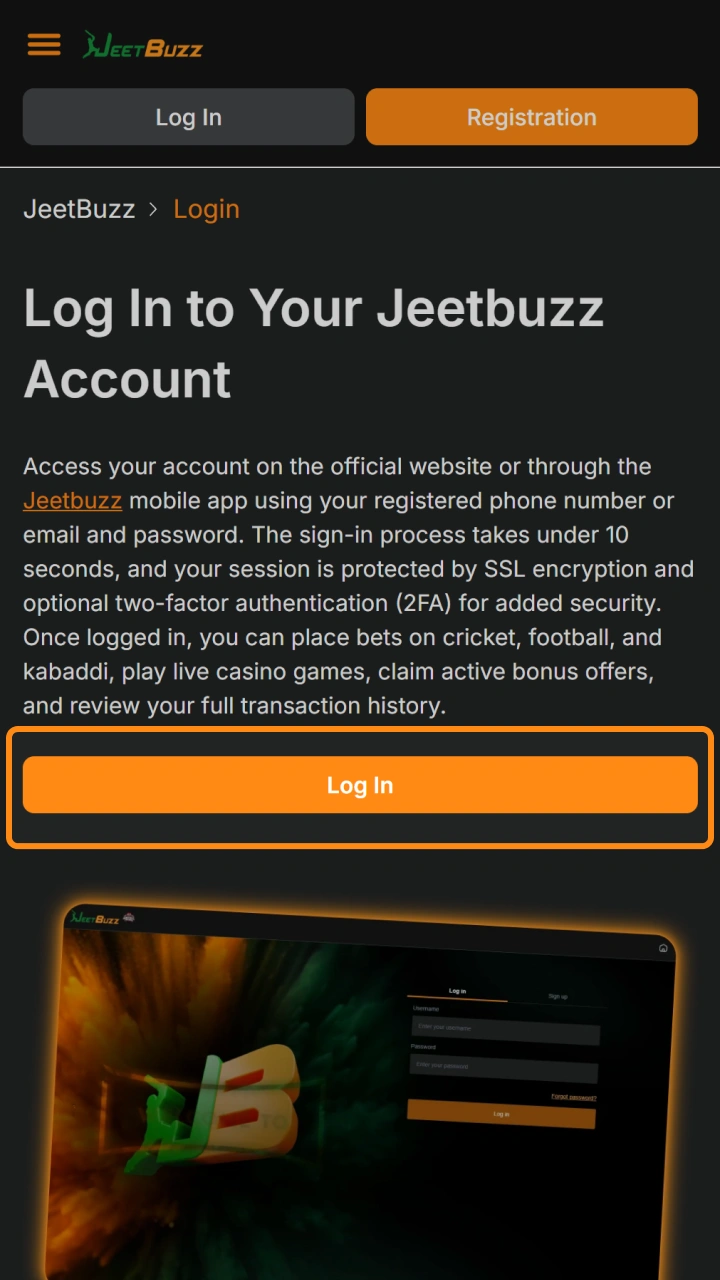
Click the Log In button
Click the Log In button at the top right corner of this page to open the sign-in screen.
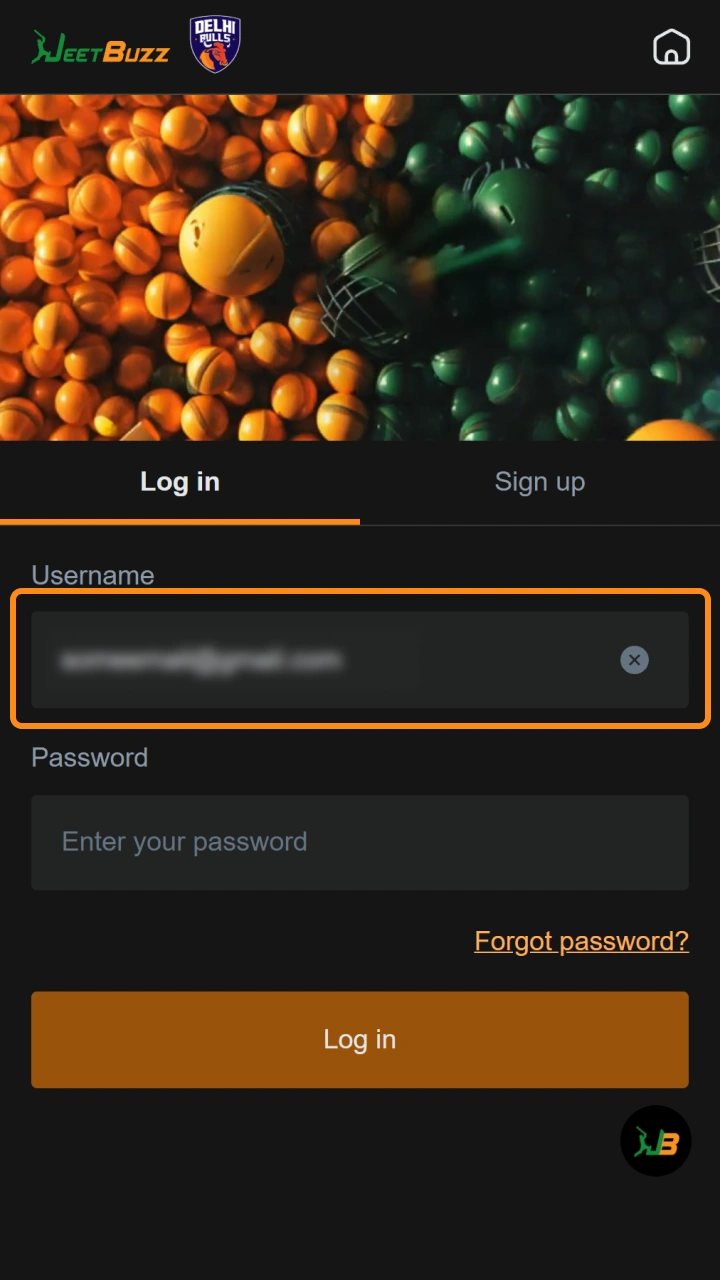
Enter your registered mobile number or email address
Enter your registered mobile number or email address in the first field.
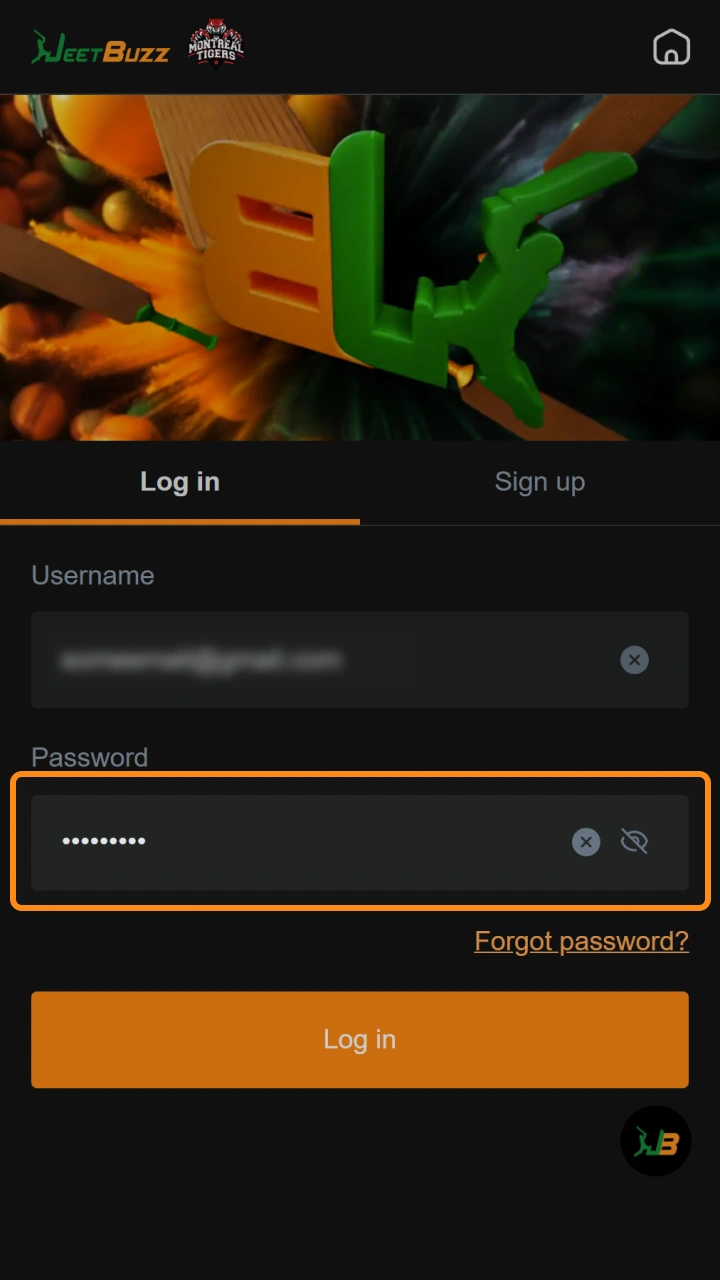
Type your password
Type your password in the second field. Passwords are case-sensitive, so confirm that your caps lock is off.
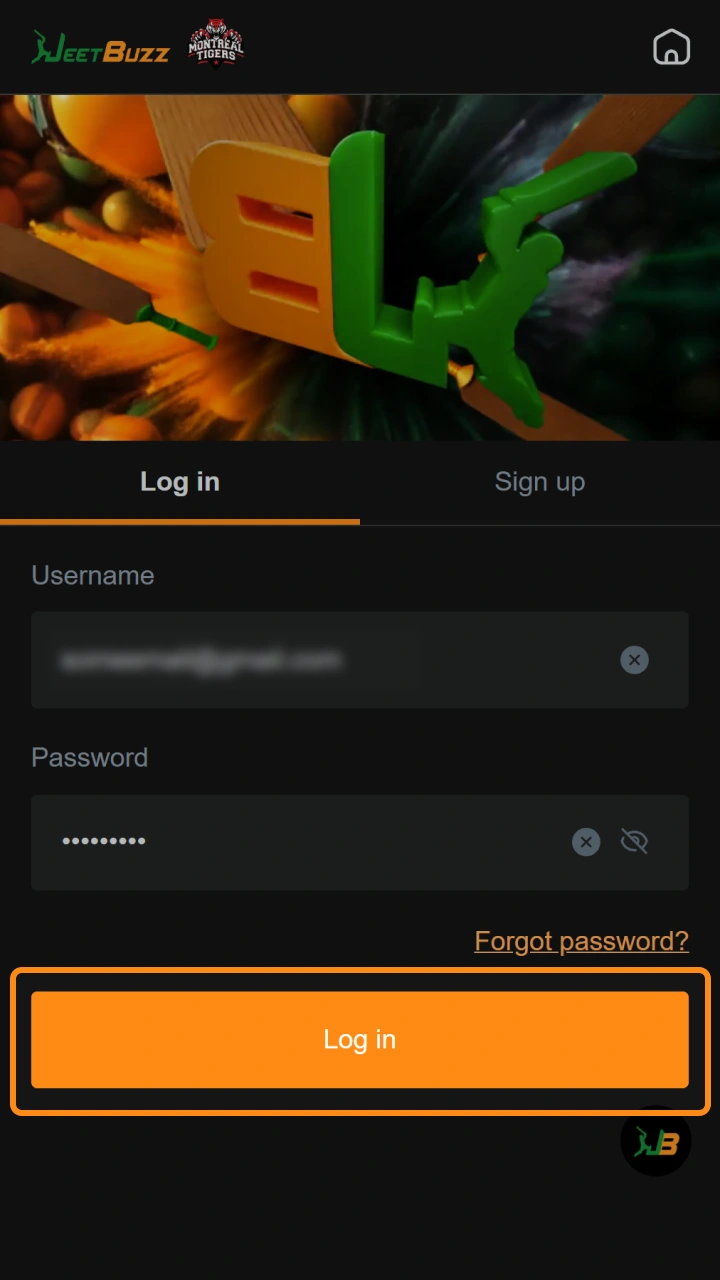
Click the Sign In button
Click the Sign In button to submit your credentials and access your account dashboard.
Complete 2FA verification if enabled
If 2FA is enabled on your profile, enter the one-time verification code sent to your registered phone number to complete the login.
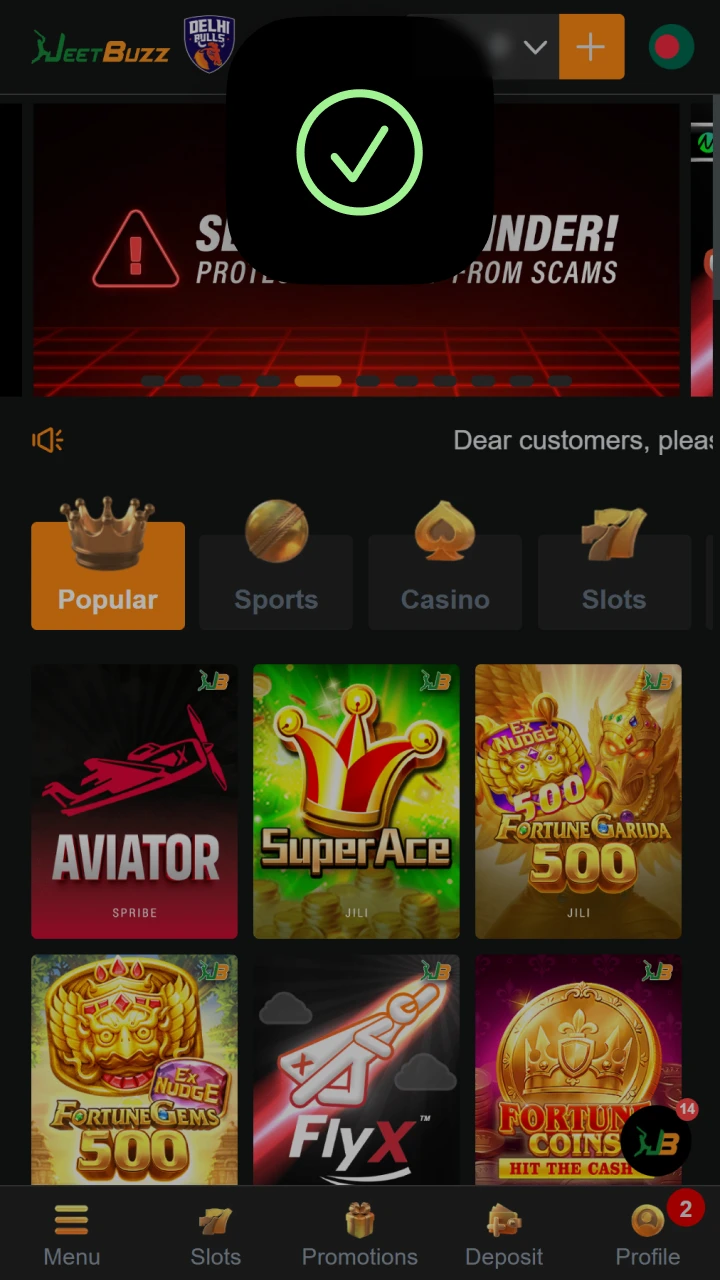
Fast Access via Social Networks
You can log in to your account without entering a password by linking an existing social media or third-party service account. All social login connections are encrypted via OAuth 2.0, are 100% secure, require only one click, and sync automatically with your existing profile without creating a duplicate account.
Log In with Google
Your Google account connects directly to your Jeetbuzz profile via OAuth 2.0, so no separate password is stored on the platform. This method works on both the desktop website and the mobile app.
- Click the Google icon on the sign-in screen.
- Select or confirm the Google account you used during registration.
- Google authenticates the connection and returns you to your account dashboard automatically.
Log In with Facebook
Link your Facebook profile to access your account with a single tap. No new credentials are created; the login routes through Facebook’s secure authentication layer.
- Click the Facebook icon on the sign-in screen.
- Approve the permission request in the Facebook pop-up window.
- Your session opens immediately and your existing balance and bonuses remain intact.
Log In with Telegram
Telegram login is popular among users in Bangladesh who prefer not to share an email address. Authentication happens inside Telegram and is confirmed in under five seconds.
- Click the Telegram icon on the sign-in screen.
- A Telegram authorisation prompt appears on your device. Tap Allow.
- You are redirected to your account dashboard with your session active.
Can’t Log In? Reset Your Password
If you have forgotten your password, click the Forgot Password? link on the sign-in screen and enter your registered email address or mobile number. A password reset link or a one-time verification code (OTP) will be delivered within 60 seconds. If the recovery email does not appear in your inbox, check your spam or junk folder before requesting a second code.
Possible Account Login Problems on Jeetbuzz and Their Solutions
A small number of technical or user-side issues can prevent a successful sign-in. The table below lists the most common problems and the recommended fix for each.
| Problem | Solution |
|---|---|
| Incorrect password entered | Reset your password using the Forgot Password? link on the sign-in screen. |
| Account is temporarily locked after multiple failed attempts | Wait 15 minutes, then try again, or contact live support via the chat icon. |
| Page not loading or sign-in button unresponsive | Clear your browser cache, disable any active VPN, and reload the page. |
| OTP code for 2FA not received | Check that your registered mobile number is active and has network coverage, then request a new code. |
| Social login returns an error message | Disconnect and reconnect the social account from your profile settings, then retry. |
Can’t Log In? How to Reset Your Password
Password recovery on this platform is available via email or registered mobile number, and the entire process takes under two minutes.
- Click the Forgot Password? link located directly below the password field on the sign-in screen.
- Choose your preferred recovery method: enter either your registered email address or your mobile number (both options are available on the same screen).
- Check your inbox or SMS for the reset link or OTP code. The message arrives within 60 seconds. If using email, check your spam folder if it does not appear in your inbox.
- Click the reset link or enter the OTP code in the verification field displayed on screen.
- Enter and confirm your new password, then click Save. You will be redirected to the sign-in screen to log in with your updated credentials.
New to Jeetbuzz? Create an Account Here
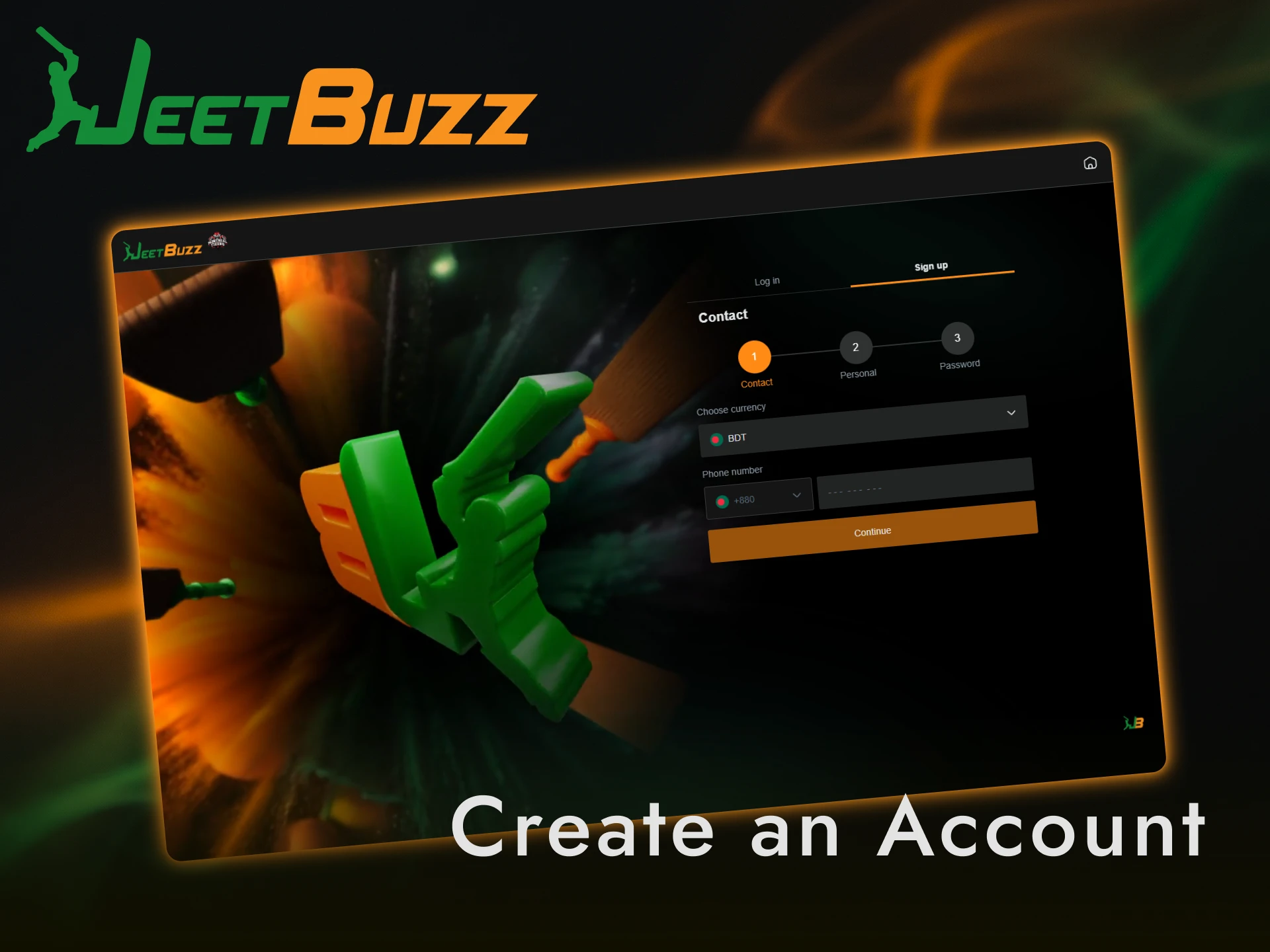
If you do not have an account yet, registration takes under one minute and immediately activates your access to the welcome bonus package, which includes a deposit match for new players. Click the button below to register and start betting on cricket, kabaddi, and over 10 live casino game categories today.
FAQ
Is my Jeetbuzz login information stored securely?
Yes. The platform uses SSL encryption to protect all data transmitted during sign-in, and passwords are stored in hashed form. Enabling 2FA on your profile adds a second layer of protection.
Can I stay logged in on my mobile device?
Yes. The Jeetbuzz mobile app supports a persistent session, so you do not need to re-enter your credentials each time you open the app, as long as you do not manually log out or clear app data.
Can I log in from multiple devices at the same time?
Yes. Your account can be accessed simultaneously from the mobile app and the desktop website. Each session is independent, so actions on one device are reflected across all active sessions in real time.
How do I enable two-factor authentication on my account?
Navigate to Account Settings, select Security, and toggle on Two-Factor Authentication. Link your registered mobile number to receive OTP codes for every sign-in.
My account has been deactivated. How do I restore access?
Contact the support team directly via the live chat feature on this site. Provide your registered email or phone number and a valid proof of identity. The support team is available 24 hours a day, 7 days a week.
Updated: